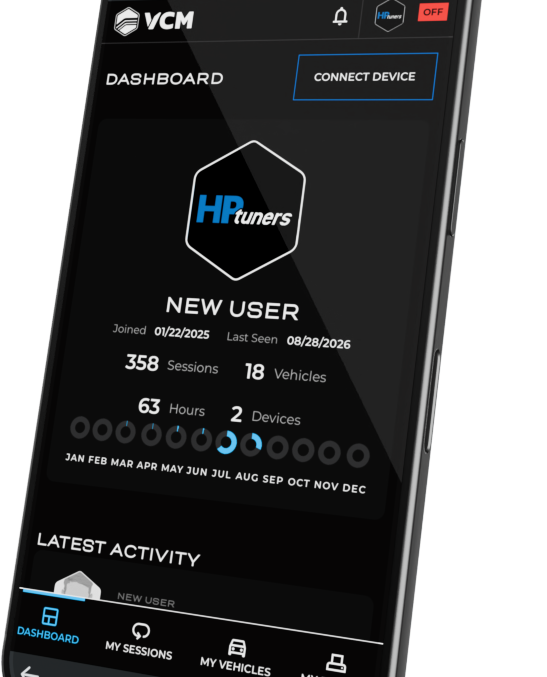

CONNECTED STANDALONE DATALOGGING
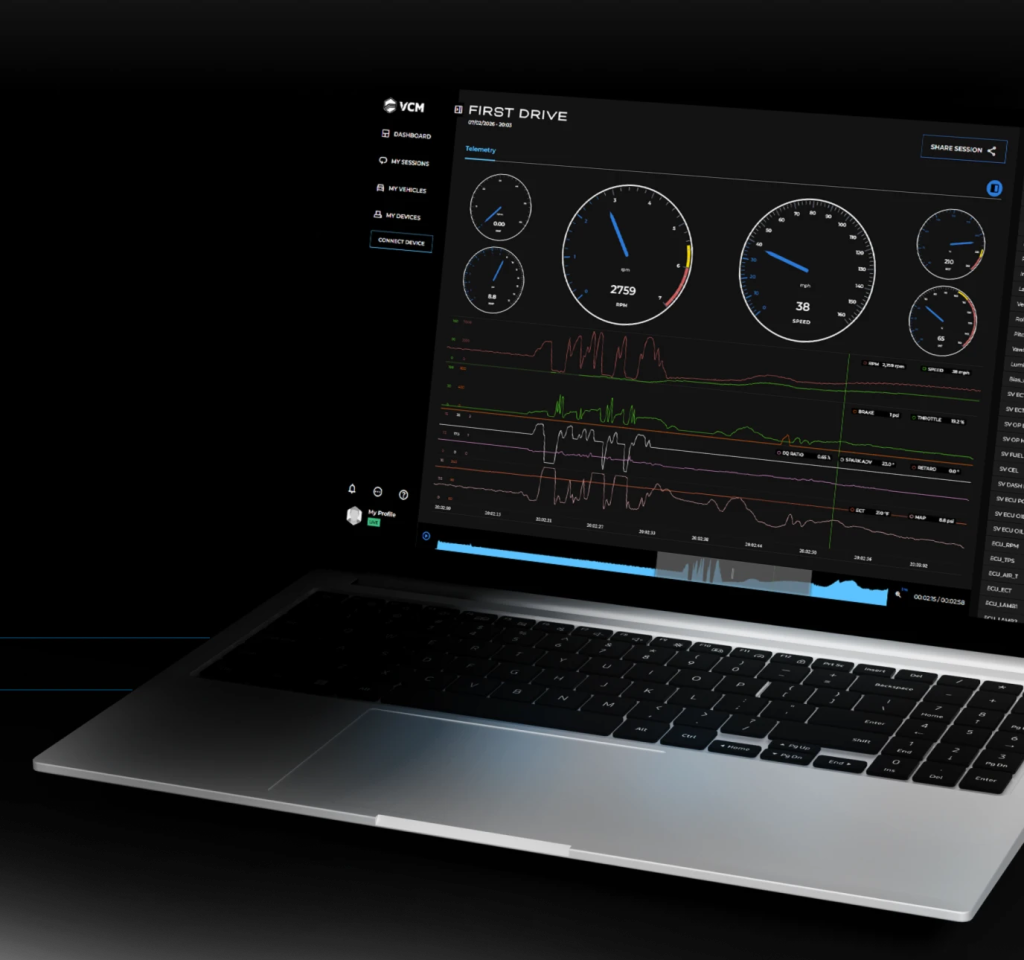
Configure your MPVI4 or RTD4 once, record vehicle data without a laptop connected during the drive, and access completed datalogs through an organized online workspace.
When an internet connection is available, recorded sessions upload to your VCM Telemetry account where they are ready to review, compare, or share from any browser.
YOUR VEHICLE DATA. CONNECTED.
Standalone Logging
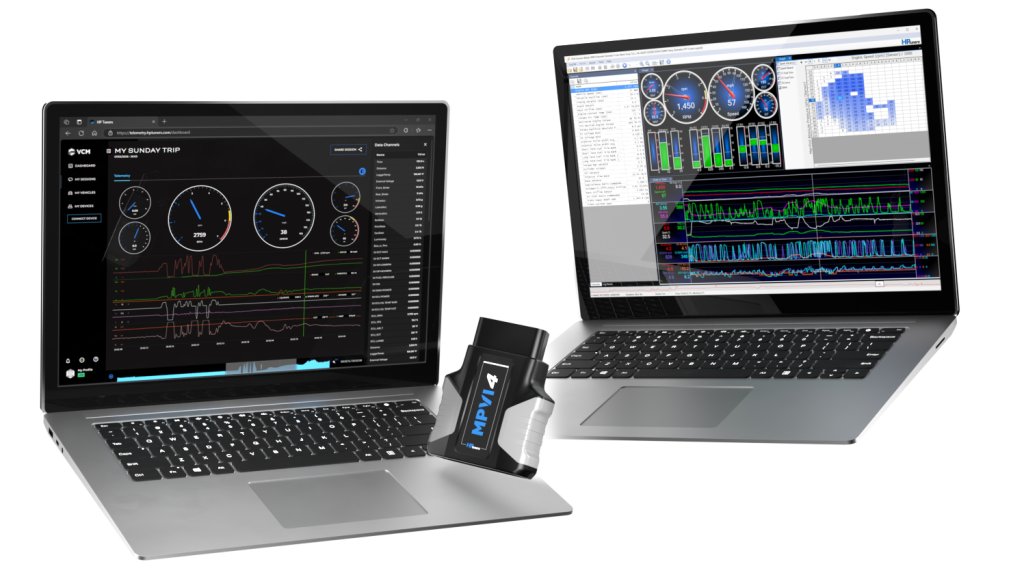
Complete your initial setup in VCM Scanner BETA, then record vehicle data with your MPVI4 or RTD4 without keeping a laptop connected during every drive.
Completed Session Uploads
Connect your interface to Wi-Fi or a mobile hotspot. When an internet connection is available, completed datalogs upload to your VCM Telemetry workspace.
Browser-Based Review
Open and review recorded sessions through a browser on your computer, tablet, or mobile device.
Organized Vehicle History
Keep completed sessions organized by vehicle and date, making it easier to locate previous logs and compare recorded data over time.
Controlled Sharing
Grant your tuner, dealer, or another trusted user access to your vehicle data without manually locating and sending individual log files.
Simplified Dealer Access
Review uploaded customer logs directly from a browser without downloading each file and opening it separately in VCM Scanner.
HOW IT WORKS
FOUR STEPS. ONE CONNECTED WORKFLOW.
- Configure: Use VCM Scanner BETA to select your datalogging parameters, configure your channels, and prepare your interface.
- Connect and Record: Connect your MPVI4 or RTD4 to the vehicle and record the requested data without a laptop connected during the drive.
- Upload: When an internet connection is available, the completed session uploads to your VCM Telemetry account.
- Review and Share: Open the recorded log from any browser, compare it with previous sessions, or grant access to someone you trust.
FOR VEHICLE OWNERS
LEAVE THE LAPTOP BEHIND
Record the vehicle data you need without dedicating the passenger seat to a laptop. VCM Telemetry keeps your completed data logs organized and accessible, so you can review your vehicle history or share it with your tuner when needed.
FOR DEALERS AND TUNERS
FEWER STEPS BETWEEN THE LOG AND REVIEW
Traditional remote datalogging can mean waiting for a customer to submit a file, logging into TDN, downloading the log, opening VCM Scanner, and repeating the process whenever another session is required.
VCM Telemetry gives you direct browser-based access to completed customer datalogs. Review uploaded sessions, move between previous logs, and keep each customer’s recorded vehicle data organized in one connected workspace.
GET CONNECTED
REQUIREMENTS
- Compatible MPVI4 or RTD4 interface
- Latest supported version of VCM Scanner
- Current interface firmware
- Wi-Fi connection or mobile hotspot for session uploads
- VCM Telemetry account
CONNECTED VEHICLE DATALOGGING
RECORD. UPLOAD. REVIEW.
Put your completed vehicle data logs in one organized workspace with VCM Telemetry from HP Tuners.