

Follow these steps to create a template:
| 1. | In VCM Editor's toolbar, select Tools > Tune Template Editor. The Template Editor window appears. |
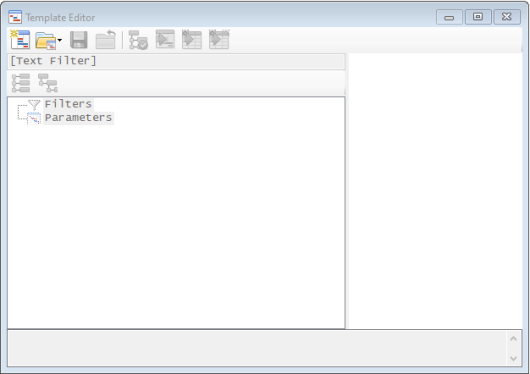
| 2. | In the Template Editor toolbar, click  . . |
A new, empty template opens in the editor.
| 3. | Add parameters to the new template using one or more of the following toolbar icons: |

|
Import parameters from an existing template. See Importing Another Template. |

|
Select specific parameters from the currently loaded tune. See Adding Specific Parameters. |

|
Import unsaved changes from the currently loaded tune. See Importing Unsaved Parameters. |

|
When comparing two tune files, import the compare file version of parameters that differ from the main file. See Importing Compare File Differences. |
| 4. | The imported parameters should now be displayed on the right side of the window. If desired, edit the values of the imported parameters. |
| 5. | Click  to save your changes. to save your changes. |
