

When editing a template in Template Editor, you can manually select parameters to add.
| 1. | Open the tune file that contains the parameters you wish to import. |
| 2. | In the Template Editor toolbar, click  . The Parameter Selector window appears. . The Parameter Selector window appears. |
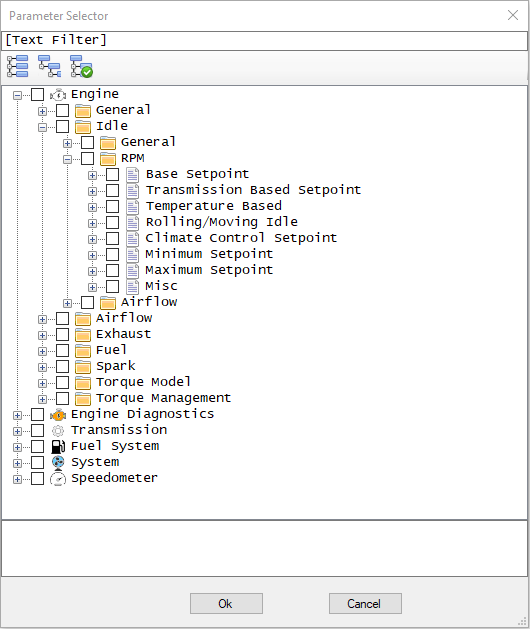
| 3. | Check the box for each parameter or group of parameters you wish to add. |
| 4. | Click OK. |
